

BACKUPER
BACKUP YOUR FILES AND FOLDERS
Autoschedualled, manual full, incremental, and synced backups.
Turbo mode. One click manual backups.
Create backup sets containing multiple folders. Turn automated backups on and off.
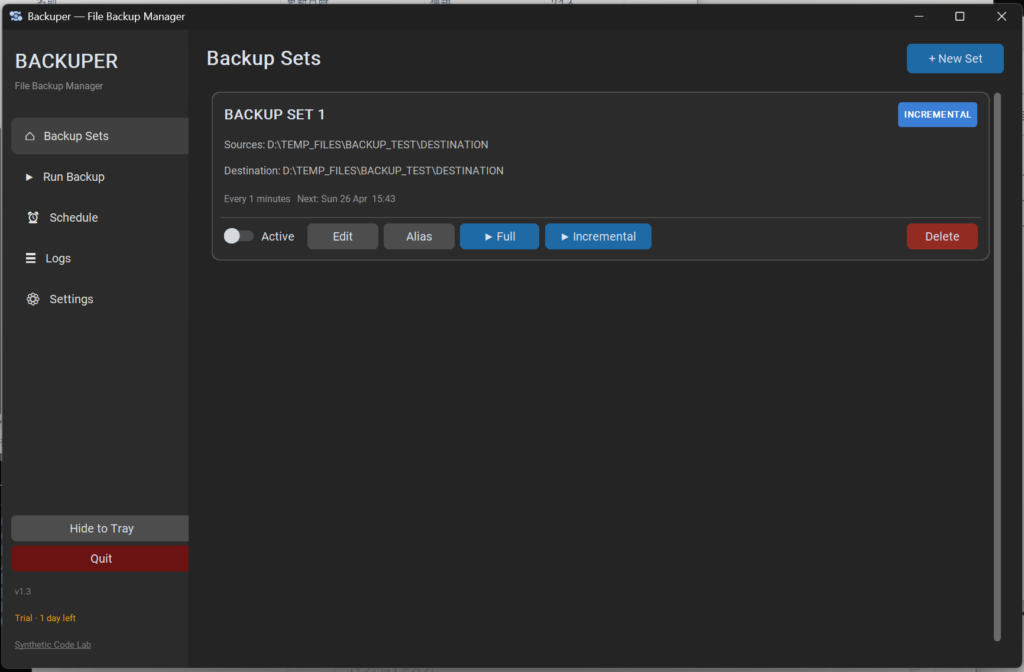
Set up schedual, choose from full backup, incremental backup, and sync modes.
Create an alias on the desktop to run the backup in the background manually.
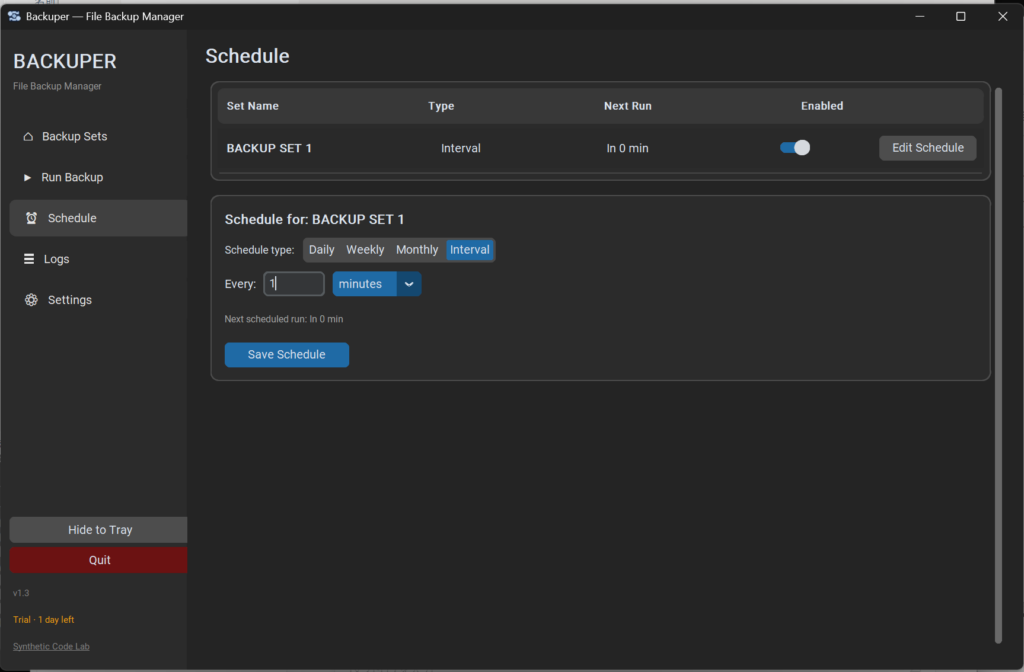
Choose the timing of automated activation (by time or by interval) or choose manual activation.
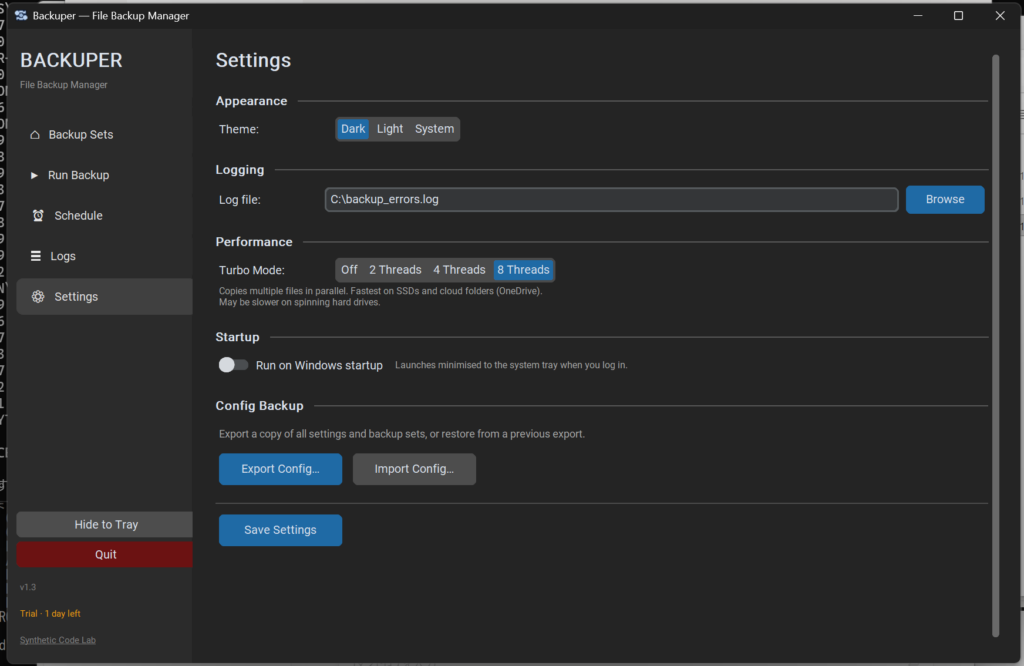
Choose run at windows startup to get the app running automatically.
Select 8 Thread turbo mode to speed up the process.
Trial, subsciption and perpetual licenses availible.